Short update.
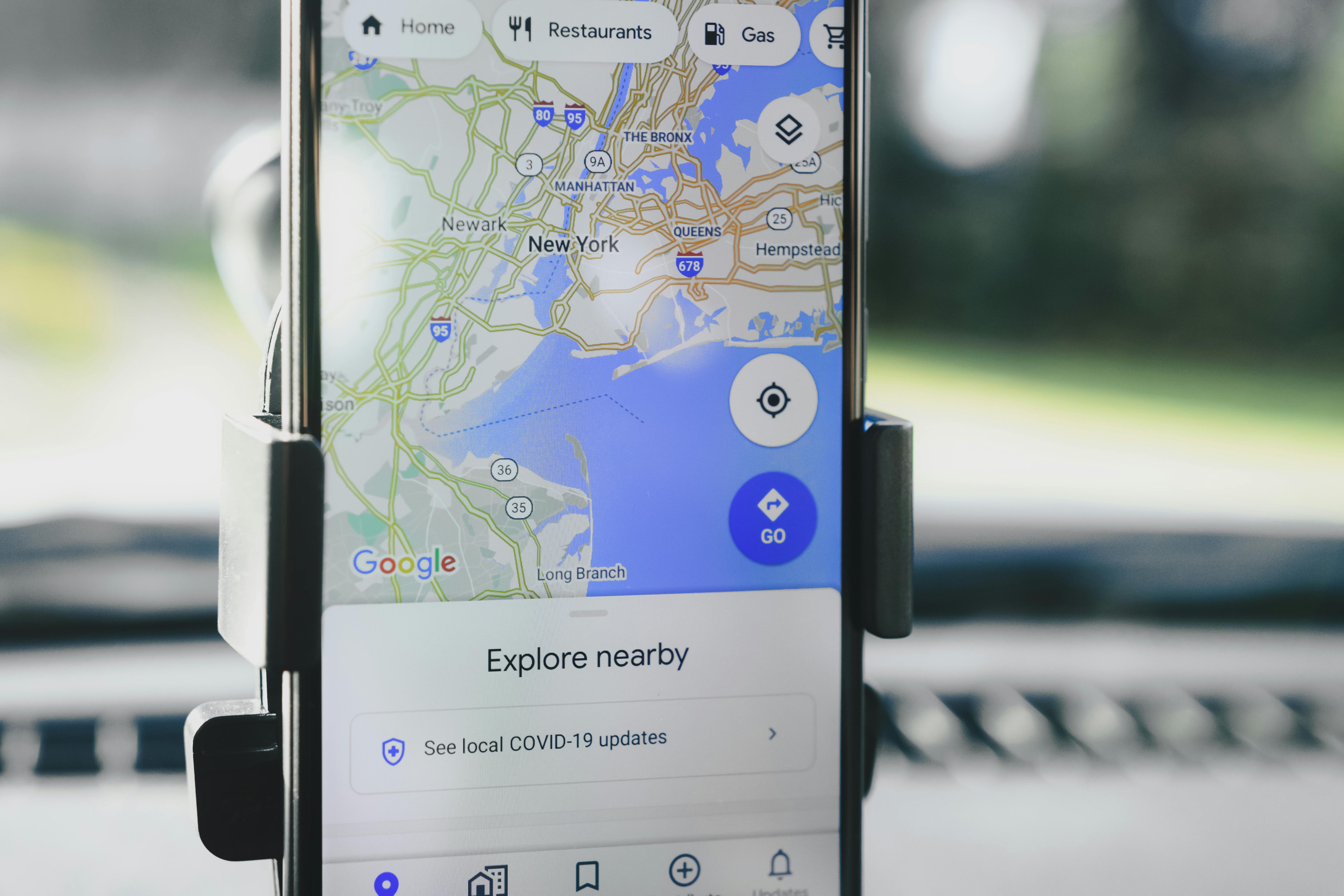
Ask Maps: Google Maps Adds Gemini-Powered Trip Planning and Local Answers
Short update.
When Google rolls out a feature, it usually promises convenience and then buries you in options, but Ask Maps is different: it layers Gemini conversational AI directly into Google Maps so you can ask natural-language questions about locations, get context-aware directions, and even have the model plan multi-stop trips on your behalf, using your preferences, live traffic, and local business data, which makes planning faster and less error-prone when you use it correctly.
Useful? Very.
Key Takeaways:
- Ask Maps integrates Gemini into Google Maps mobile for conversational location queries and trip planning.
- It uses local business listings, live traffic and directions, and your Google Account context to provide recommendations.
- The feature can make multi-stop itineraries, but privacy settings and account data matter.
- Practical limits include occasional hallucinations, model latency, and the need to verify hours, prices, and availability.
What is Ask Maps?
Short answer.
Ask Maps is a conversational interface inside Google Maps that uses Gemini to answer questions about locations, create travel plans, and perform follow-up queries in context, all without switching apps, and it pulls from Maps’ local business data, user reviews, directions, real-time traffic, and your saved places before blending that with Gemini’s language understanding to deliver step-by-step itineraries, recommendations, and reasons for each choice, which helps when you need a plan that respects constraints like budget, mobility, or scheduled meetings.
Short note.
Core Benefits and Importance
Short summary.
Ask Maps reduces app bouncing and manual search sifting by letting a conversational agent hold the context of a trip and refine recommendations as you ask more questions, and this matters because many users prefer a single conversational thread that remembers constraints such as phone Battery Life, preferred transport mode, and saved places, rather than flipping between search results, reviews, and calendar entries to build an itinerary.
Short point.
Short starter.
Here are the real advantages and the realistic caveats you should weigh: faster contextual planning using robust local business data but verify details; multi-stop route generation with live traffic estimates but confirm transit schedules; natural language that helps non-technical users but expect occasional misinterpretation; integrated booking where supported but always check cancellation terms, and privacy trade-offs—think of data stewardship as part of using technology responsibly, a reminder that human gifts should serve the common good.
Short aside.
Step-by-Step Implementation/Guide
Short starter.
If you want Ask Maps to actually save you time, set it up correctly and use it with discipline: update the app, manage account permissions, and give the model clear constraints; from my testing across devices, disciplined prompts and verification habits are what turn an intriguing feature into a genuinely useful assistant, not the other way around.
Short summary.
-
Enable and update Google Maps.
Open the Play Store or App Store and update Google Maps to the latest version, then look for the in-app Ask or Gemini button; if you need offline routing, download maps for the area before you go because the conversational features currently require a connection.
Short step.
-
Configure privacy and account settings.
Link the Google Account you want for personalization, but prune calendar and location history if you don’t want overly invasive suggestions; the assistant works better with permissioned data, but responsible stewardship means limiting access to what the assistant really needs.
Short note.
-
Start with specific prompts.
Ask something like “Plan a half-day itinerary in Old Town with coffee, a museum, and a place to charge my phone, starting at 10 a.m.” and give constraints such as budget, mobility, or preferred transport to reduce follow-up friction.
Short tip.
-
Use follow-ups to refine.
After an initial plan, ask “Replace the museum with an art gallery open after noon” or “Make the route wheelchair accessible”; the assistant keeps the prior context and updates the itinerary instead of restarting the process.
Short reminder.
-
Verify and lock details.
Ask Maps can estimate times and suggest bookings, but always confirm hours, reservation availability, and prices via the business website or a phone call before committing to anything critical.
Short warning.
-
Export or save plans.
Save the itinerary to your account, add it to your calendar, and download offline maps if you might be out of signal range; that ensures continuity when connectivity fails.
Short final step.

Comparison Table
Short intro.
| Feature |
Ask Maps (Google + Gemini) |
Apple Maps + Siri |
| Conversational multi-step planning |
Yes — context-aware itineraries, follow-ups, plan editing |
Limited — Siri Shortcuts exist but less flexible |
| Local business data quality |
High — Google’s listings, reviews, photos |
Improving — third-party data used |
| Real-time traffic and transit |
Robust — live updates and crowd-sourced info |
Good — regional variability |
| Booking integration |
Integrated where available — partner bookings surfaced |
Limited — partner dependent |
| Privacy controls |
Per-account permissions, history controls |
Device-level privacy, less aggressive personalization |
| Offline usability |
Offline maps supported, AI needs connectivity |
Offline routing supported, conversational features limited |
| Availability |
Rolling out on Android and iOS |
Available across Apple devices |
Short summary.
Common Mistakes to Avoid
Short warning.
People assume a conversational model is always right; it sometimes returns plausible but incorrect answers, such as outdated opening hours or wrong prices, so verification is necessary, and the most common real-world errors are trusting one-pass outputs, over-sharing personal data for marginal gains, expecting full offline AI capability, and using vague prompts that produce wide-ranging responses rather than targeted plans.
Short list.
- Trusting single-pass answers without verification. Short reminder.
- Over-sharing data to get better recommendations. Short counsel.
- Expecting offline AI—download key maps. Short tip.
- Using vague prompts like “find dinner” without constraints. Short guidance.
- Relying solely on one provider for confirmations. Short caveat.
Frequently Asked Questions
Short opener.
Is Ask Maps available on my phone?
Short answer.
It’s rolling out to mobile Google Maps now, with availability depending on region and account status; update the app and check for the in-app Ask or Gemini button, and enroll in early access if you want to see it sooner, because rollouts often arrive in waves and depend on account flags.
Short note.
Does Ask Maps share my personal data with Gemini?
Short answer.
Gemini in Maps uses data from your Google Account if you grant permission, including saved places and optionally calendar entries, so adjust settings if you want less personalization; this balance between usefulness and privacy is a matter of stewardship—use what benefits others and protect private details that don’t need to be shared.
Short counsel.
Can Ask Maps make reservations or buy tickets for me?
Short answer.
In supported regions and for partner businesses, Ask Maps can surface booking options and sometimes begin reservation flows, but you will usually need to confirm payment and terms through the partner’s checkout, so consider Ask Maps a facilitator rather than an autonomous buyer.
Short note.
How accurate are recommendations from Ask Maps?
Short answer.
They are generally reliable in urban areas with dense reviews and data, but less so in remote regions; always verify critical facts like opening hours or health-related policies on official resources when accuracy matters.
Short warning.

Short thought.
Technology should serve human dignity, not replace judgment; Ask Maps offers a practical way to offload repetitive planning work to an assistant that remembers context, handles constraints, and proposes itineraries, but it remains a tool that requires oversight—use it for convenience, verify the important details, and treat data sharing as a moral choice that affects your neighbors and community.
Short finish.
Sources and further reading:
Related reading: Gemini and conversational AI, More Google Maps updates, Best phones for travel.