Push notifications are not as private as most people assume. They travel through cloud services, handset operating systems, app backends, and carrier networks...
Security Roundup: Why Your Push Notifications Aren’t Safe, and What It Means for Tech Users
Push notifications are not as private as most people assume. They travel through cloud services, handset operating systems, app backends, and carrier networks, which means a sloppy setup can expose metadata, content, or both, even when the message looks harmless on screen. The real issue is not one single breach; it is the chain of trust. Break one link, and the whole thing gets ugly.
Key Takeaways:- Push alerts often reveal more than users realize.
- Security depends on the app, the phone OS, and the service provider.
- Encrypted messaging does not automatically make notifications private.
- The safest setup is usually the one with fewer alerts, fewer permissions, and less data shown on lock screens.
What is push notification security? It is the set of controls that determines who can see, intercept, or misuse the alerts your apps send to your phone, tablet, or desktop. That sounds simple, but it is not. I have reviewed enough products to know most vendors slap the word “secure” on a settings page and call it a day, while the actual data path stays messy, leaky, and hard to audit.
Here’s the kicker: a notification is not just a little banner. It can contain sender names, message previews, timestamps, location hints, account activity, and links that pull you straight into an app. That gives attackers, snoops, and sometimes the apps themselves a lot to work with. If a system routes notifications through a third-party cloud service, then the service operator may see content or metadata depending on how the stack is built. That is not paranoia. That is architecture.
For consumer electronics buyers, this matters because phones, smartwatches, earbuds, and laptops all share the same alert stream. A watch buzzing on your wrist can be more revealing than the message on your phone. A lock-screen preview can expose a two-factor code. A smart speaker ping can reveal your routine. Technology should serve human dignity and the common good, not reduce people to packets in transit.
The current news cycle makes this easier to ignore than it should be. People get distracted by AI headlines, flashy devices, and gadget spec sheets, then forget that security often lives in boring places like notification permissions and default settings. Frankly, that is where the damage gets done. If you want a practical view, start with the basics: reduce what appears on the lock screen, turn off unnecessary app permissions, and keep the number of services that can push data to you as small as possible.
The FBI angle in recent reporting is a useful reminder. Push notifications can be targeted, subpoenaed, intercepted, or exposed through weak platforms and poor operational security. That does not mean every app is compromised. It means the system is only as private as its weakest vendor, and most people never read the fine print.
Most tech reviews are marketing fluff. Here’s what the specs actually mean: encryption helps, but it does not fix bad defaults; app permission prompts matter, but they are not a shield; and “silent” notifications are still data. The real question is whether a device helps you control exposure, or merely makes it easier for someone else to collect it.
What should consumers do? Treat notifications like a public sign unless proven otherwise. That is the correct default. If a notification contains something you would not want displayed at a train station, then it does not belong on your lock screen. Simple as that.
Benefits matter because security is not abstract. Strong notification controls reduce shoulder-surfing, lower the chance of account takeover through leaked codes, and limit what a stolen device can reveal. They also cut down on noise, which is a quality-of-life win that gadget companies rarely advertise because it is not flashy. The truth is, less junk on your screen often means more actual control.
- Reduced exposure of message content on lock screens and wearables.
- Better protection for one-time codes and account recovery alerts.
- Less data leakage from app backends and cloud services.
- Fewer distraction loops, which improves focus and battery life on some devices.
- Cleaner incident response, since fewer alerts means easier spotting of real threats.
There is a catch, of course. More privacy can mean more friction. That is the tradeoff. If you hide everything, you may miss a delivery update or an urgent work message. If you show everything, you hand out your digital house keys. Wisdom usually sits in the middle, not at the extremes. That tracks with a sane moral view too: tools should be ordered toward use, not worshipped as if convenience were the highest good.
I have seen people obsess over antivirus apps while leaving lock-screen previews wide open. That is backwards. The attack surface is often the screen in your hand, not the mythical hacker in a hoodie. Start there.
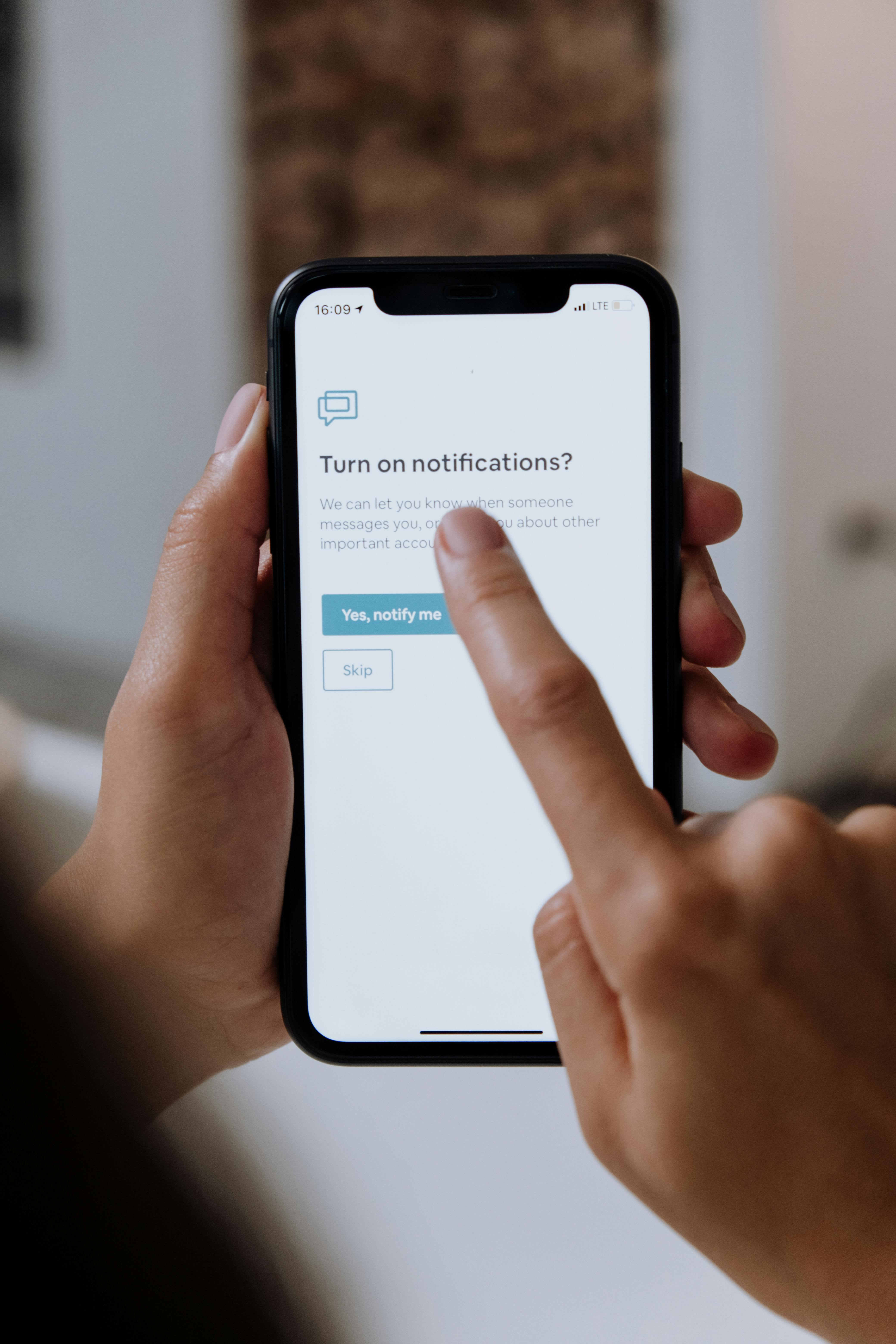
Step-by-step, the safest setup is boring and effective. Boring is good. Boring keeps your data out of trouble.
- Audit every app notification setting. Turn off alerts for anything nonessential. News apps, shopping apps, and social platforms often spray junk. Keep only the alerts that truly matter.
- Hide previews on the lock screen. On iPhone and Android, set sensitive apps to show content only when unlocked, or not at all. This blocks casual viewing, and it blocks a surprising amount of opportunistic snooping.
- Review two-factor authentication delivery methods. If you rely on push-based approval or SMS codes, check where those alerts appear. Whenever possible, use a password manager or authenticator app with stronger device-level protections.
- Limit wearable mirroring. Smartwatches are handy, but they can expose contents to anyone nearby if you are careless. Pick a setting that shows titles only, or nothing at all, for sensitive apps.
- Check OS privacy and notification permissions quarterly. Not monthly. Quarterly is realistic. People claim they will manage every setting all the time. They will not.
- Disable notification history where possible. Stored alert logs can be useful, but they also create a neat archive of your habits, contacts, and codes. If you do not need the record, do not keep it.
- Update devices and apps. Yes, obvious. Still worth saying. Notification frameworks, push services, and app SDKs get patched for leaks and abuse paths. Ignore updates long enough, and you are choosing convenience over safety.
- Prefer apps with clear privacy behavior. Read the setup screens. Tedious? Absolutely. Useful? More than most people want to admit.
When I tested different notification setups across consumer phones and wearables, the biggest gains came from a few simple changes, not from exotic security apps. Cut preview content. Restrict sensitive alerts. Trim the vendor chain. That is what actually works.
| Feature | Safer Notification Setup | Default Notification Setup |
|---|
| Lock-screen previews | Hidden or minimized | Often visible by default |
| Wearable exposure | Limited | Frequently mirrored |
| Account code safety | Better protected | Easy to expose |
| Noise level | Lower | Higher |
| Privacy control | Stronger user control | Depends on vendor defaults |
| Real-world convenience | Moderate | Higher at first, lower later |
The biggest competitor to a secure setup is not another product. It is convenience. People keep the default because it is easy, then act shocked when a message shows up on a shared screen or a watch during a meeting. That is not bad luck. That is design meeting habit and habit losing.
Common mistakes are predictable, which is why they keep happening. The advice sounds smart, but it often misses how people actually use devices.
- Leaving previews on for everything. This is the classic mistake. It is fast, and it is dumb. If a stranger can read your codes from a glance, the setting is wrong.
- Trusting “private mode” labels too much. Vendors love soft language. “Private,” “secure,” “safe,” all of it sounds reassuring. Read the actual behavior, not the marketing.
- Assuming encrypted apps make notifications safe. The message inside the app may be protected, while the alert itself still leaks names, dates, or snippets. Encryption is not a magic shield.
- Ignoring linked devices. Your phone is one endpoint. Your tablet, laptop, watch, and smart display are others. Miss one, and the whole setup gets sloppy.
- Using the same alert rules for work and personal accounts. That is asking for trouble. Separate them. Clean boundaries matter.
- Keeping old notifications around forever. Stale logs are just a memory dump of your life. There is no virtue in keeping digital clutter.
- Believing the latest phone automatically fixes everything. New hardware helps, but settings still rule. A premium device with bad defaults is still a privacy mess.
Let’s be real, many “security tips” are recycled nonsense. Turn on every alert. Use strong passwords. Buy a new device. Fine, but that leaves out the boring controls that do most of the work. The deepest protection comes from restraint: fewer permissions, fewer exposed previews, fewer automatic shares. That is the kind of prudence that respects both the user and the people around them.

Frequently Asked Questions
Are push notifications encrypted?
Sometimes, partially. The app content may be encrypted end-to-end, but the notification path, lock screen, or vendor service may still expose metadata or preview text. You have to inspect the full system, not just the app claim.
Should I turn off notifications completely?
Not necessarily. That is overkill for many people. The smarter move is to disable unnecessary alerts and hide sensitive content until the phone is unlocked.
Are SMS codes safe in notifications?
They are better than nothing, but not ideal. If your device shows the code on the lock screen, anyone nearby can use it. An authenticator app or hardware key is usually safer.
Do smartwatches make notifications less safe?
They can, yes. Watches are convenient, but they also put message content on a smaller device that may be easier for others to see at a glance.
The real lesson is simpler than the industry wants it to be. Devices are tools, not moral absolutes, and a good tool should protect the person using it rather than tempt them into careless exposure. When you set notifications with restraint, you are not giving up convenience for its own sake; you are choosing order over noise, and that is usually the wiser trade. The best electronics are the ones that help people live and work without turning every alert into a public announcement.