Spyware protection is not magic. It is layers.
Special Phone and App Features That Help Protect You From Spyware
Spyware protection is not magic. It is layers.
Modern phones and apps can block a lot of abuse before it starts, because the right features interrupt bad clicks, suspicious installs, silent permissions, and shady account activity. Most people think security is about one giant app doing heroic things. It is not. It is about small controls working together, and about knowing which ones actually matter.
Key Takeaways- Spyware protection is layered, not a single switch.
- Built-in phone controls often stop more trouble than flashy security apps.
- App permissions, OS updates, and lock-screen security matter more than most people realize.
- Passkeys, Security Checkup tools, and Safety Check features can cut risk fast.
- The best defense is disciplined use, not blind trust in any product.
What is spyware protection on phones and apps?
Spyware protection on a phone means the features, settings, and app controls that reduce the chance of covert tracking, account theft, microphone abuse, data leakage, or malicious installation. That includes operating system security, app sandboxing, permission prompts, update systems, login alerts, device checks, and account recovery tools.
Frankly, most people use their phones like a junk drawer. They tap links, install apps without reading prompts, grant camera and location access because a screen is annoying, and then act surprised when something goes wrong. I have reviewed enough devices to say this plainly: the phone itself is usually not the weak point. Careless setup is.
A modern smartphone gives you several defensive layers. iPhone offers features like Lockdown Mode, Safety Check, App Tracking Transparency, and strong app sandboxing. Android offers Google Play Protect, permission auto-reset, better privacy dashboards, scam detection in some messaging and calling apps, and increasingly stronger anti-theft controls. Neither platform is perfect. Both are far better than the old days, when spyware could lurk with fewer checks and more latitude.
The key is understanding what the features do. Some block malicious behavior outright. Some reduce the amount of data an app can touch. Some warn you after the fact. Some make it harder for an attacker to keep access if they already got in. That last part matters more than people admit. A decent security design assumes a human error will happen and tries to limit the damage. That is just prudent stewardship of tools and information, which is how responsible technology ought to work.
For a broader look at practical security habits, see CISA’s Secure Our World, which keeps the advice simple and sane. If you want a device-specific perspective, Apple’s own guidance on Personal Safety and Google’s support pages for Security Checkup are worth reading, if only because they document the tools directly instead of padding them with marketing varnish.
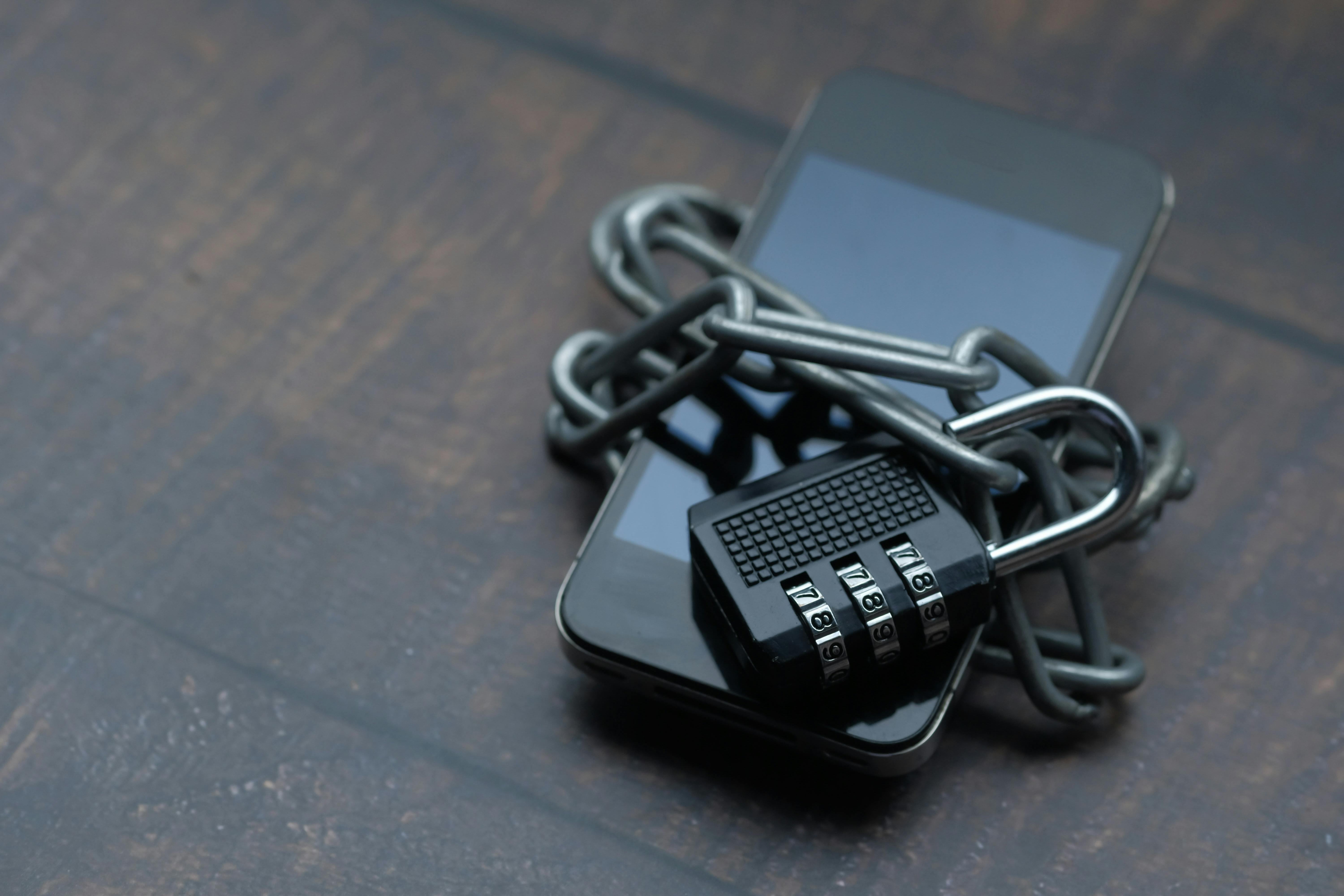
Core benefits of these features
Spyware protection features are useful because they attack the problem from several angles. Not all of them stop a highly funded attacker, and anyone pretending otherwise is selling something. But for ordinary users, these tools close the most common doors.
- Permission control reduces exposure. If an app cannot reach your microphone, contacts, location, or photos, it cannot spill as much data.
- Update systems patch known holes. Old software is a gift to attackers. Updates close holes that spyware often uses.
- App store review is a filter. It is not perfect, but it is better than random sideloading from a sketchy site.
- Security alerts reveal suspicious behavior. Login notifications, new-device prompts, and unusual-location warnings help you catch trouble early.
- Lockdown and isolation features limit attack paths. These are especially useful for people with higher exposure, such as journalists, activists, executives, or anyone singled out for attention.
- Passkeys and multi-factor authentication harden accounts. If spyware is trying to steal passwords, these features make that job harder.
Here is the kicker: the best feature is often the one you never see. Sandboxing keeps apps separated. Permission prompts force a decision. OS hardening makes exploitation harder. You do not celebrate these things because they are glamorous. You appreciate them because they keep the machine from becoming a nosy little parasite.
I have seen people spend money on premium security apps while ignoring simple controls already built into the phone. That is backwards. A few minutes spent on privacy settings can do more than a stack of subscriptions. There is also a moral angle here, though it is easy to miss in the noise. Human beings are not data mines to be picked clean. Technology should serve persons, families, and work, not reduce them to profiles sold by the yard.
If you want a deeper read on how device-level protections work, Apple’s privacy features overview explains the company’s built-in approach, while Android Security covers Play Protect, app scanning, and device-level safeguards. For a broader consumer review lens, Consumer Reports privacy and security coverage is useful because it tends to care about outcomes, not buzzwords.

Step-by-step guide to using the features that matter
The right setup is boring. Good.
Boring usually means safer. Excitement is for launch events, not account security. If you want to make spyware life harder, start with the basics and then tighten the screws where it counts.
- Update the operating system first. Install the latest iOS or Android release, then turn on automatic updates for both the OS and security patches. I know, waiting through updates feels tedious. Do it anyway. A lot of spyware relies on flaws that patches already fixed.
- Audit app permissions. Review microphone, camera, contacts, location, photos, Bluetooth, and notification access. Ask one question: does this app truly need this? If not, remove the permission. On iPhone, use Safety Check to review sharing and access. On Android, use the privacy dashboard and permission manager.
- Turn on account alerts and recovery checks. Enable login notifications, recovery email verification, and phone number updates. The point is simple: if someone tries to take your account, you want to know before the damage spreads. Google’s Security Checkup is a fine model, and Apple’s device list in your account settings serves a similar purpose.
- Use strong authentication. Prefer passkeys or authenticator-based multi-factor authentication over SMS when possible. SMS is better than nothing, sure, but it is not the gold standard. An attacker who has your phone number can sometimes work around it.
- Check for unknown profiles, device management, and sideloading. On iPhone, review configuration profiles and device management settings. On Android, look for unknown device admin apps and keep sideloading disabled unless you have a solid reason. Most people do not need it. Let’s be real, curiosity is not a security policy.
- Use anti-theft and remote wipe tools. Enable Find My on iPhone or Find My Device on Android. If a device is lost or compromised, fast remote lock or wipe can save a lot of grief.
- Inspect for unusual behavior. Watch for fast battery drain, overheating, unexpected data use, strange permission changes, or apps opening on their own. None of these prove spyware by themselves, but together they are a smoke alarm worth hearing.
- Review the apps that have real access to your life. Messaging, email, file storage, ad blockers, keyboard apps, and VPNs deserve extra attention because they sit close to your data. If one of them is sketchy, it is a problem.
- Use vendor safety tools. Apple’s Lockdown Mode is made for people at high risk of targeted attacks, while Android’s security controls and Play Protect help reduce risky installs. If your situation calls for a stronger posture, use it. No shame in prudence.
- Make a habit of monthly reviews. Every month, check permissions, account logins, backups, and device lists. If that sounds like overkill, you are probably the exact person who needs it.
Comparison table: built-in phone protections vs third-party security apps
Most people assume third-party security apps are automatically better. Not always. Sometimes the phone maker’s own tools are stronger because they sit closer to the system.
| Feature | Built-in phone protections | Third-party security apps |
|---|
| OS-level control | Strong, because they integrate with system permissions and updates | Usually limited by platform rules |
| App scanning | Good baseline protection with store review and built-in checks | Can add extra scanning, but often overlaps |
| Permission management | Native and precise | Usually just a layer on top |
| Anti-theft tools | Often excellent and deeply integrated | Helpful, but not always as reliable |
| Privacy visibility | Usually clearer and easier to audit | Varies widely by vendor |
| Cost | Often included | Often subscription-based |
| Best for | Most users, and especially cautious users | People needing extra monitoring or reporting |
The truth is, many paid security apps sell reassurance more than substance. That does not mean all of them are useless. It means you should ask what they do that your phone does not already do. If the answer is vague, save your money.
Built-in features also benefit from platform trust. They are updated with the OS, tested for that environment, and less likely to break other functions. Third-party tools can be useful for additional scanning, identity monitoring, or family management, but they should not replace the basics. A strong house starts with a solid frame, not a fancy alarm panel.
For security standards and threat guidance, the NIST cybersecurity resources are a good reference. If you want a clear explanation of app store and platform security, Google Play Protect help and Apple’s privacy documentation are more valuable than most glossy reviews.
Common mistakes to avoid
Most spyware incidents do not begin with a Hollywood hack. They start with little failures of judgment. That is the unpleasant bit. But it is fixable.
- Granting permissions on impulse. The app asks, the user taps yes, and the door opens. Read the prompt. It takes seconds.
- Installing apps from random sources. Sideloading and third-party stores can be fine in narrow cases, but they are not casual habits.
- Ignoring old devices. An unsupported phone is a security problem waiting for a calendar reminder.
- Using weak authentication. Password reuse is a classic mistake, and it still works for attackers because people keep doing it.
- Trusting “security” apps with no clear value. If an app cannot explain its protections in plain English, I do not trust it. Simple as that.
- Skipping backups. If you need to wipe a compromised phone, you will care about backups immediately.
- Overlooking linked devices and accounts. A compromised tablet, laptop, or email account can keep spyware access alive even if the phone itself looks clean.
Here is what nobody tells you: a lot of advice about phone security is written for people who already know the basics. That is why it sounds smug and useless. Real guidance starts with the habits that actually reduce exposure, not with shiny terms. Check your settings. Keep your system current. Audit access. Remove junk. Repeat.
There is also a deeper principle at work. Tools are gifts, but gifts require care. When you treat data, devices, and time as things entrusted to you rather than toys you can abuse, you make better choices. That attitude protects not just your phone, but the people who rely on you.
Frequently Asked Questions
Can a phone really detect spyware?
Sometimes, but not always. A phone can spot suspicious behavior, block known-bad installs, or warn about account abuse, yet stealthy spyware may still hide. That is why layered protection matters.
Is built-in security enough?
For many users, yes. If your habits are decent and your device is current, built-in tools are usually enough to stop common threats. High-risk users may want stronger controls, like Apple’s Lockdown Mode or additional monitoring.
Do app permissions actually matter?
Absolutely. Permissions determine what a malicious or abused app can touch. If you hand over microphone, photos, contacts, and location, you are making the attacker’s work easier.
What is the fastest way to improve spyware protection?
Update the phone, remove unnecessary permissions, turn on strong authentication, and review account login alerts. Those four steps do more than most people expect.
Final Thought
Spyware protection is not about paranoia. It is about discipline.
A phone is a useful tool, but only when it stays in its proper place, serving the person rather than exploiting the person. That is why the best security features are the ones that slow down abuse, limit unnecessary access, and help you correct mistakes before they grow teeth. I respect that kind of design because it treats human weakness as a fact, not an insult.
If you remember only one thing, remember this: use the protections already built into your phone before paying for extras you do not understand. Then review them again next month. Not glamorous. Effective.