The <strong>iPad</strong> is still the cleanest tablet option for most people. The catch is that Apple sells too many variants, and the differences only matter...
The Best iPad to Buy in 2026: Which Model Fits Your Life?
The iPad is still the cleanest tablet option for most people. The catch is that Apple sells too many variants, and the differences only matter if you know what you actually need—screen size, chip speed, Apple Pencil support, storage, and whether you care about drawing, note-taking, streaming, or laptop-like work.
Key Takeaways- The right iPad depends on use case, not hype.
- The iPad Air is the sweet spot for most buyers.
- The iPad Pro is excellent, but most people overbuy it.
- The base iPad is fine for media and casual use.
- The iPad mini is niche, but genuinely useful for readers and travelers.
- The 10th-gen iPad can be a sensible budget buy if priced right.
What is the best iPad to buy? That depends on whether you want the cheapest model that does the job, the most balanced model for school or work, or the one that acts like a thin laptop replacement. I’ve reviewed enough tablets to know that specs alone mislead people. A faster chip is nice, sure, but most buyers hit limits with storage, accessory compatibility, or screen size long before they max out raw performance.
Frankly, most people do not need the most expensive iPad. They need the right one. And the right one changes depending on whether you want to sketch, edit video, type papers, watch sports, or toss a tablet into a bag without thinking about it. The trick is to stop treating every iPad like a status symbol and start treating it like a tool, which is how sensible people handle expensive gear anyway. A device should serve the person, not the other way around. That sounds almost obvious, but tech marketing tends to hide obvious things under shiny photos.
If you want a broader buying strategy for tablets and controllers, the same logic applies to other device choices too, like this guide to the best iPad to buy, the best game controller for every kind of player, and the practical differences in Samsung's new Frame and OLED TV models. Different hardware, same lesson: match the machine to the human using it.
What is the best iPad to buy?
The best iPad is the model that gives you the features you will actually use, at the price you can defend without grimacing. That sounds bland because it is true. Apple’s lineup now spans the iPad mini, base iPad, iPad Air, and iPad Pro, plus storage and connectivity variants that can push the price around fast if you are not paying attention.
Here’s the kicker. Most buyers think they need the fastest chip, but the bottleneck is usually the display, accessory support, or how much they want to spend on keyboards and pens. A modern iPad with an older chip still runs streaming apps, note-taking tools, reading apps, and school work very well. The processor matters most for creative work, heavy multitasking, and long-term longevity, not for browsing recipes or watching a match.
I’ve tested enough tablets to see the same pattern again and again: people buy for potential, then use the device for YouTube, email, and light productivity. That is not a criticism. It is reality. And reality should drive the purchase. The iPad Air often wins because it offers strong performance, a better display than the base model, and broad accessory support without the punishing price of the Pro. The iPad Pro is brilliant, but brilliant is not the same as necessary.
The lineup also reflects Apple’s usual habit of slicing the market finely, which means each model exists for a reason. The iPad mini is for compact portability. The base iPad is for budget-minded buyers. The iPad Air sits in the middle like a decent compromise. The iPad Pro exists for people who truly need top-tier screen quality, faster I/O, and premium build materials. If you’re buying for a child, a student, or a family tablet, the fancy tier often makes less sense than the plain one.
A responsible buyer also thinks about stewardship, not just specs. That may sound old-fashioned, but it matters. Money, time, and devices are finite. Choose the tool that serves your work and your home well, and avoid paying extra for features you will barely notice. That is not anti-innovation. It is common sense with a moral backbone.
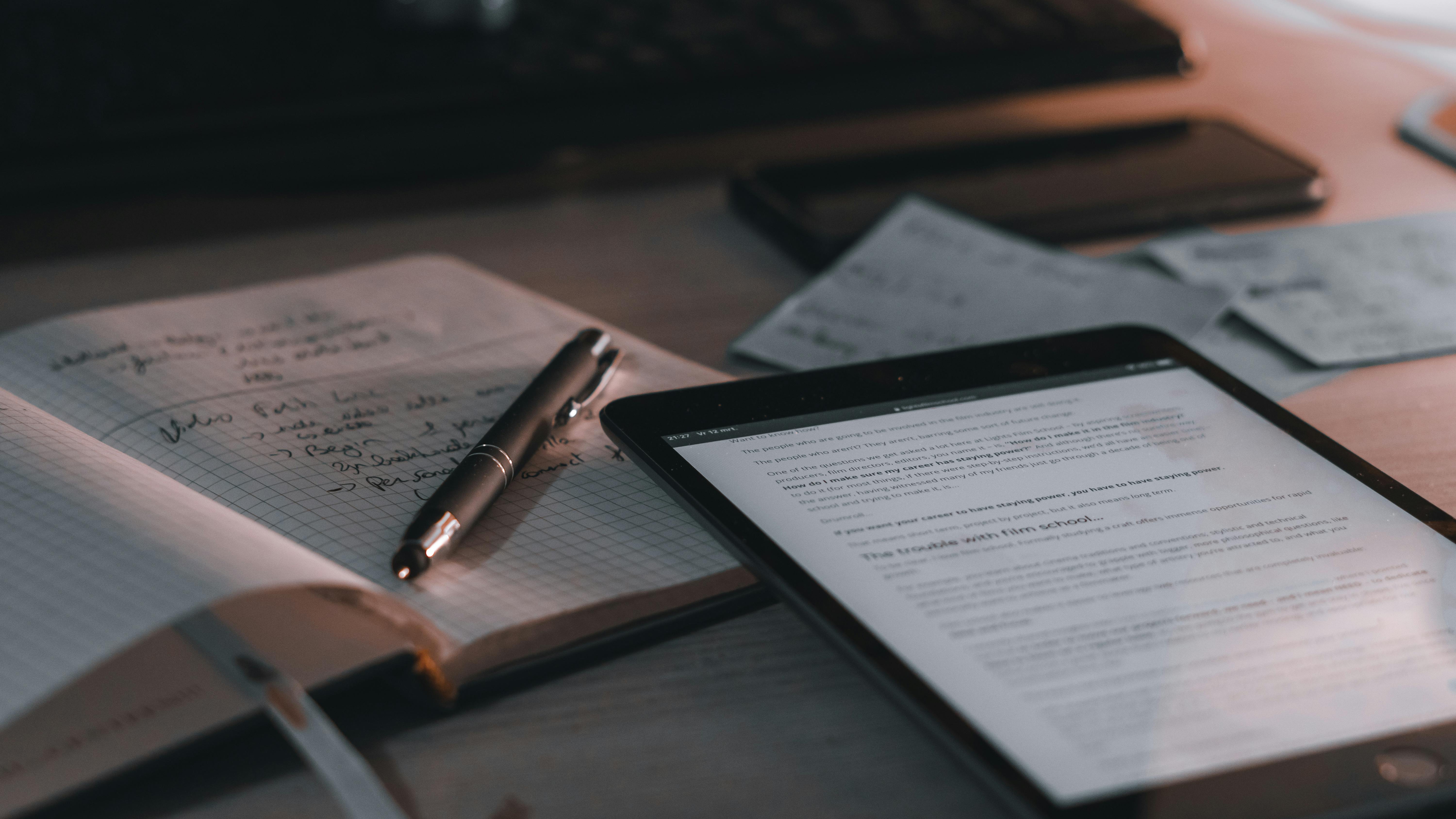
Core benefits and why the right iPad matters
The best iPad gives you more than a screen.
It gives you a portable workspace, a media device, and a long-lived piece of hardware that usually ages better than cheap tablets, which tend to become sluggish and annoying after a year or two. Apple’s tighter hardware and software control helps here, and that is one of the few areas where the company’s walled garden actually works in the buyer’s favor.
- Long software support: iPads typically receive years of iPadOS updates, which matters more than people admit. A device that stays secure and compatible is worth more than a prettier box with short support.
- Strong app quality: Tablet apps on iPad are still better optimized than on most Android tablets. That matters for notes, art, editing, and split-screen work.
- Accessory ecosystem: The Apple Pencil and keyboard accessories extend usefulness. For students and creators, this is where the iPad earns its keep.
- Portable productivity: The iPad can replace some laptop tasks, especially for writing, email, and light office work. Not all, mind you. People love pretending otherwise.
- Media consumption: Streaming video on a good display is a pleasure. The Mini-LED and OLED panels on premium models make a real difference for contrast and brightness.
- Family utility: Shared household use is where many iPads shine. One device can handle recipes, school apps, photo browsing, and video calls without fuss.
But let’s be real. Not every “benefit” gets used. The vast majority of buyers do not need desktop-class performance, and many never buy the pencil or keyboard that would justify a pricier model. That is why I push people to think in terms of actual habits. If you write notes by hand, the Pencil support matters. If you travel a lot, size and weight matter more than a top chip. If you mostly watch movies in bed, screen quality and battery life may matter most.
The biggest hidden benefit is consistency. An iPad usually behaves the same on day 700 as it did on day 7. That calm, predictable behavior is underrated. Good tools reduce friction, and reduced friction leaves more room for actual work, study, or rest. That is a small thing on paper, but in real life it is huge.
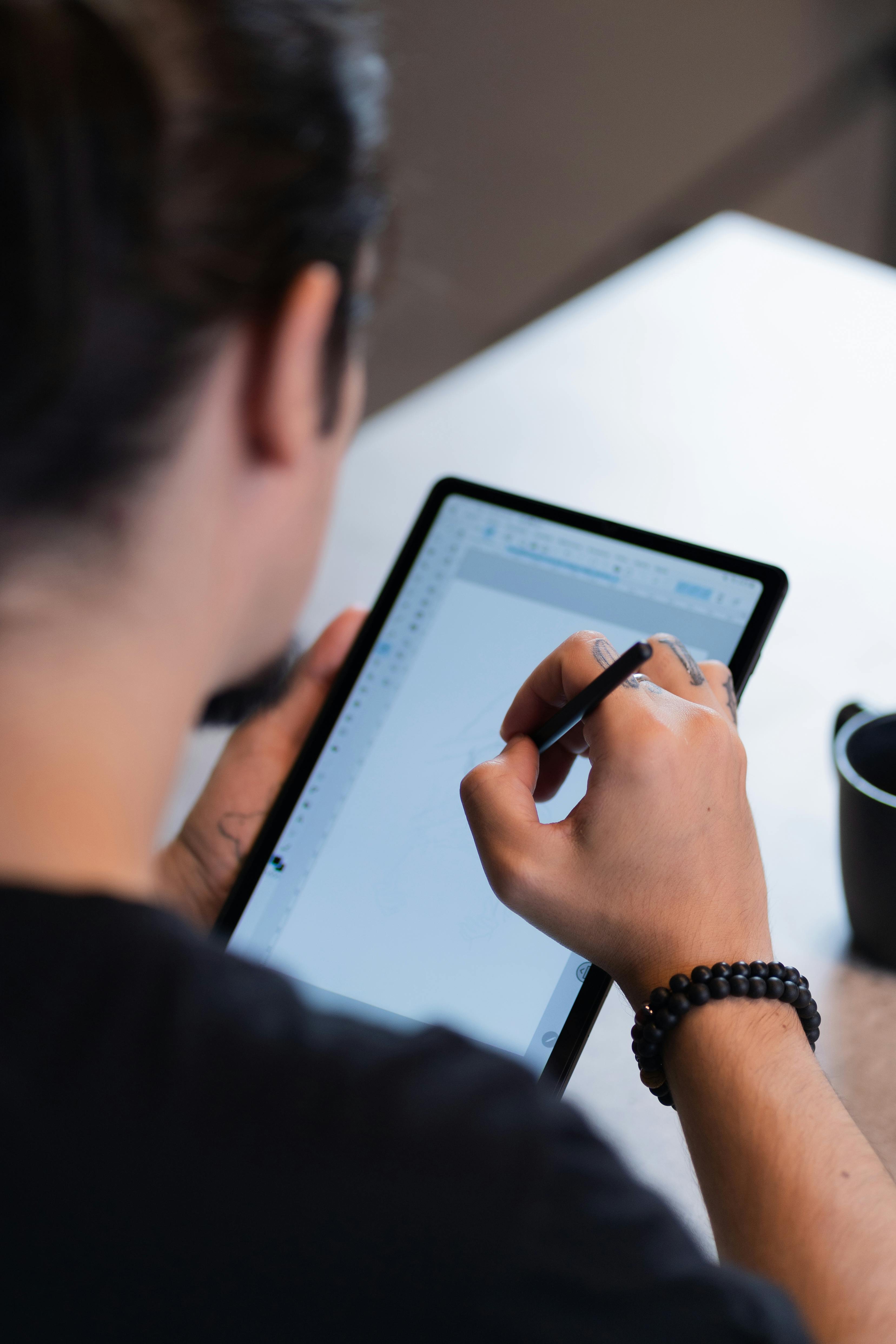
Step-by-step guide to choosing the best iPad
Start with use, not price.
Too many buyers begin with a budget and end up compromising in the wrong places, then wonder why the device feels awkward. I’d rather spend ten minutes asking blunt questions than let someone waste money on the wrong screen size or a model that cannot support the accessories they planned to use.
- Decide what you will do most
- Reading, streaming, and casual browsing point to the base iPad or iPad mini.
- Note-taking, school, and everyday productivity point to the iPad Air.
- Art, editing, and heavy multitasking point to the iPad Pro.
- If you want maximum portability, the mini is worth a look.
- Pick the right screen size
- Smaller screens are easier to carry and hold.
- Larger screens are better for split view, drawing, and typing.
- Don’t buy a bigger iPad just because bigger sounds better. That is how people end up with a slab they resent.
- Check accessory compatibility
- If you plan to use an Apple Pencil, confirm which generation works.
- If you need a keyboard, check whether you want a folio-style case or a more laptop-like setup.
- Accessories can add serious cost, so budget for the whole package, not just the tablet.
- Choose storage with discipline
- 128GB is often enough for casual users.
- Creators, students with offline media, and travelers should consider more.
- Cloud storage helps, but it is not magic. Files still need to live somewhere.
- Think about cellular only if you need it
- Most users are fine with Wi‑Fi.
- Cellular adds convenience, but the cost rarely feels light once you total device and plan fees.
- Buy for the next three years, not the next three weeks
- I look at longevity, resale value, and how well the model will age with iPadOS updates.
- A device should survive your habits, not just your initial excitement.
- Avoid paying for status
- The iPad Pro is wonderful if you need it.
- If you do not, it becomes a very expensive way to read email.
The truth is, most people can narrow their choice in one pass if they answer three questions honestly: What will I do? How portable should it be? What am I willing to spend after accessories? Once those are answered, the fake confusion mostly disappears.
Comparison table: iPad Air vs. iPad Pro
The iPad Air is the sensible pick.
The iPad Pro is the flashy one, and yes, it’s better in some meaningful ways, but “better” is not the same as “worth it” unless you actually use the premium features. That distinction matters more than marketing would like.
| Feature | iPad Air | iPad Pro |
|---|
| Typical buyer | Students, professionals, families | Creators, power users, premium buyers |
| Display | Excellent LCD or high-end panel depending on generation | Best-in-class OLED or premium panel |
| Processor | Fast enough for most tasks | Faster, with more headroom |
| Weight/portability | Light and easy to carry | Slightly more premium, sometimes larger and pricier |
| Apple Pencil support | Strong, practical support | Strong, often more advanced use cases |
| Keyboard use | Good for writing and school work | Better for laptop-like workflows |
| Price | More reasonable | High, often hard to justify |
| Best for | Balance | Maximum performance and screen quality |
If you are comparing across the wider lineup, the same framework holds. The base iPad wins on price. The iPad mini wins on portability. The iPad Air wins on balance. The iPad Pro wins on bragging rights and demanding workloads. That is not snark. It is a tidy summary of how the market works.
For buyers trying to sort through adjacent gadget choices, it helps to read across categories too. The decision logic used in the best game controller for every kind of player guide is similar: comfort first, specs second. The same goes for display-heavy products like Samsung's latest TV models, where panel type, brightness, and room conditions matter more than shiny spec-sheet claims. Hardware only makes sense in context.
Common mistakes to avoid
People waste money fast.
The worst advice usually comes wrapped in confidence, and tech retail loves confident nonsense. Here’s where buyers trip over their own shoelaces.
- Buying the Pro because it is the “best”: Best for whom? If you do not edit video, draw professionally, or demand the premium screen, you are paying for unused capability.
- Ignoring storage: Cheap storage feels clever until your photos, offline downloads, and apps start crowding each other out.
- Forgetting accessory costs: The tablet price is only part of the bill. Pencil, keyboard, case, and protection matter.
- Choosing size by impulse: A big screen looks great in a store and annoying on a couch. A small one can be brilliant in transit and cramped on a desk.
- Believing every “future-proof” claim: That phrase gets abused constantly. Buy for real needs now, with a reasonable cushion, and stop there.
- Skipping refurbished options: A good refurbished iPad from a trustworthy seller can save money and reduce waste, which is something people should care about more often.
I’ve seen plenty of buyers follow the “just get the biggest one” rule and regret it within a month. The irony is almost comic. They wanted simplicity, but they bought complexity disguised as luxury. Most tech advice also pretends all users are power users, which is nonsense. If a device spends its life in a bag, on a kitchen counter, or in a child’s hands, the rules are different.
There is also a moral angle that gets ignored. Tech should serve real human goods: learning, communication, creativity, rest, and honest work. When people buy beyond need, then ignore the result, they are not really choosing excellence. They are choosing clutter. That is a poor bargain.
Frequently asked questions
Which iPad is best for most people?
The iPad Air is usually the best choice for most people because it balances price, performance, and accessory support without drifting into luxury pricing.
Is the iPad Pro worth it?
Only if you need the screen, speed, or premium workflow features. If you mostly browse, stream, and write, the value gets shaky fast.
Is the base iPad good enough?
Yes, for casual use, school tasks, streaming, and light productivity. It is the least expensive model that still feels like a real iPad.
Should I buy the iPad mini?
If portability matters more than screen size, yes. It is excellent for reading, travel, and one-handed use, but less ideal for heavy typing or split-screen work.
Final thought
The best iPad is not the most expensive one.
It is the one that disappears into your life and quietly does its job, whether that job is reading, drawing, writing, or keeping a household running without drama. I’ve always preferred tools that serve people without demanding attention, because that is what good design should do: make useful work easier, not make ownership feel theatrical.
That means the smartest buyer is usually the least impressed by shiny claims. Big surprise, right? The person who asks what the device will actually do, who checks screen size, accessory costs, storage, and long-term support, ends up happier than the person chasing the highest number on a spec sheet. And frankly, that is true for most consumer electronics, not just tablets.
There’s also something plainly decent about choosing with restraint. A well-chosen device respects your time, your money, and the people around you who depend on you to spend both wisely. Good technology can serve the common good in ordinary ways—helping a student study, a parent organize a day, or a worker get through a stack of tasks without fighting the machine. That is enough. More than enough, usually.