The first wave of AI gadgets promised a new way to use technology: talk to a wearable, ask a pocket-sized assistant a question, and leave your phone behind...
Why AI Gadgets Failed Their First Test—and What Must Come Next
The first wave of AI gadgets promised a new way to use technology: talk to a wearable, ask a pocket-sized assistant a question, and leave your phone behind. Many buyers instead encountered slow replies, unreliable answers, limited usefulness, and devices that struggled to justify their price. Tony Fadell’s reported critique points to a basic lesson: a clever AI demo is not the same thing as a good product.
Key Takeaways- AI hardware needs to solve a frequent, specific problem better than a phone can.
- Voice interfaces and language models are not enough; speed, reliability, privacy, battery life, and useful integrations matter just as much.
- A standalone AI gadget must earn its place in a pocket or on a desk through repeated daily use.
- The practical next wave may be less about replacing smartphones and more about adding focused, carefully designed tools to devices people already own.
- Buyers should judge real-world performance, operating costs, and data practices—not launch demos or ambitious promises.
What Are AI Gadgets?
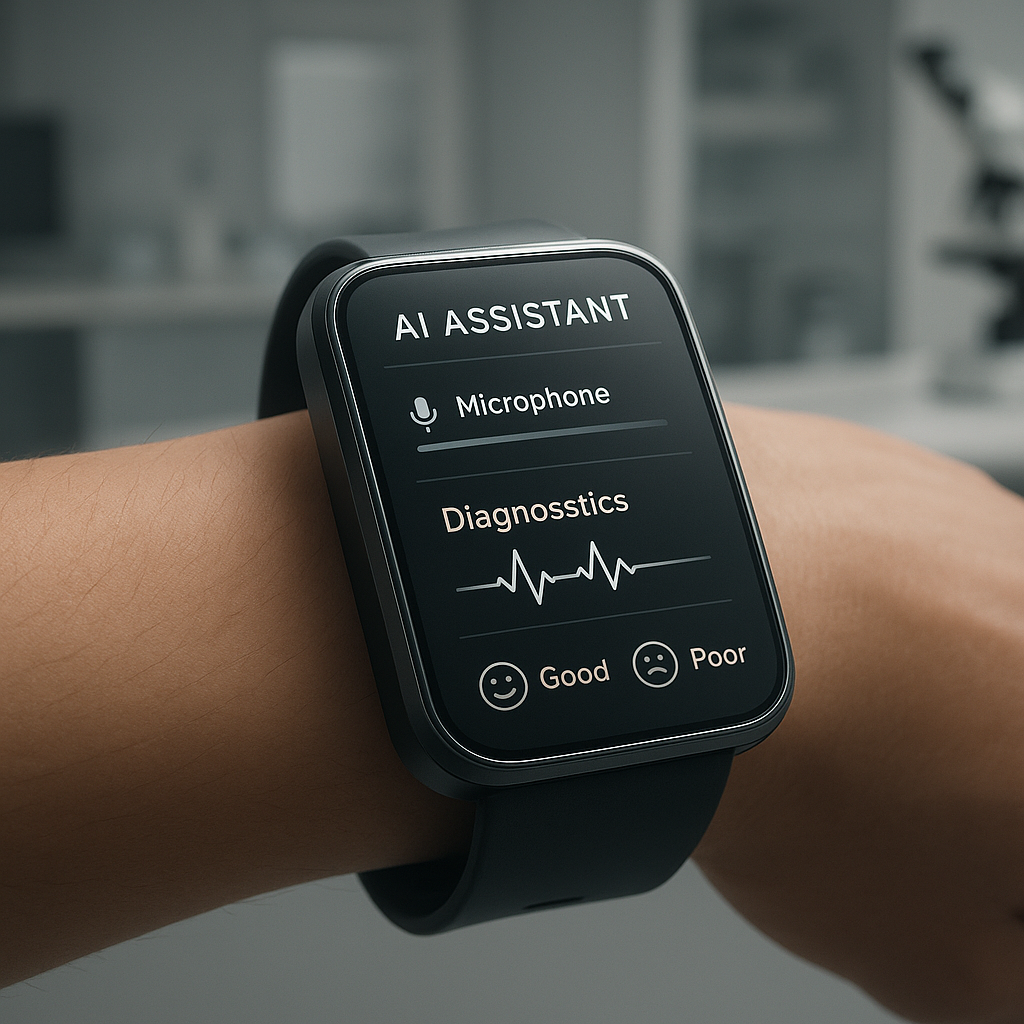
An AI gadget is a physical consumer device whose main selling point depends on artificial intelligence. It might be a wearable assistant, a small voice-controlled device, a smart display, a camera that interprets scenes, or hardware designed to answer questions and carry out digital tasks. The category is broad, but the pitch is familiar: make software feel more immediate by putting it in a dedicated object.
That sounds reasonable. It also skips the hard part. A device is not useful simply because it contains a microphone, a model, and a polished demonstration. It must recognize what the user means, respond quickly, give dependable answers, and complete a task with less effort than the alternatives. If the same job takes fewer taps on a smartphone, the new gadget has created an extra step rather than removing one.
The first wave of dedicated AI devices made that gap hard to ignore. Products such as the Humane AI Pin and Rabbit R1 attracted attention with distinct designs and ambitious claims. Reviews raised practical concerns about everyday usefulness, speed, battery performance, and whether the devices offered enough reason to carry or buy another piece of hardware. The exact experience varies by product and software version, so old reviews should not be treated as a permanent verdict. They do, however, offer useful evidence about what happens when a product is judged outside a launch presentation. Read The Verge’s Humane AI Pin review and its Rabbit R1 review for examples of that early scrutiny.
The headline provided for this article says Tony Fadell has discussed why the first wave failed and what may come next. It does not include a transcript or the interview’s detailed claims, so I will not invent quotations or pretend to know his exact reasoning. The broader product lesson is still clear: hardware must make the underlying technology useful, dependable, and comfortable to live with.
Frankly, most AI product pitches overvalue novelty. I assess these devices by asking what they help someone do, how often they do it well, and what happens when the connection or model fails. That is less exciting than a cinematic demo. It is also how people decide whether a gadget stays in their life.
Core Benefits and Importance
AI gadgets are not pointless by definition. A well-designed device could make a narrow, recurring task easier, especially when a screen is inconvenient or a hands-free interaction is valuable. The question is whether the benefit is concrete enough to outweigh the new device, its price, and the data it collects.
Potential benefits include:
- Hands-free help: Voice interaction can be useful while cooking, walking, carrying items, or working with tools. It is only helpful if speech recognition works in noise and the device can distinguish a useful request from a misunderstood one.
- A focused interface: A purpose-built gadget may reduce menus and distractions. A simple recorder that transcribes meetings, for example, could be more convenient than opening several apps—provided it records accurately and handles consent responsibly.
- Context-aware assistance: A camera or sensor might provide relevant information about a user’s surroundings. That ability also raises privacy questions, especially when other people are captured without their knowledge.
- Accessibility: Speech, summaries, captions, and conversational controls can reduce barriers for some people. These features should be judged with disabled users, not merely advertised on their behalf.
- Faster, smaller tasks: If a device can reliably set a timer, create a reminder, or find an item without a screen, it may save a few seconds. A few seconds matter when the task happens often; they matter far less when the feature is a party trick.
Here’s the kicker: a phone already combines a capable processor, display, camera, battery, connectivity, sensors, and mature apps. AI features can be added through software and operating-system updates, which gives phone makers a large installed audience and developers familiar tools. A dedicated gadget must beat that convenience, not merely repeat it in a smaller shell.
There is a real case for focused hardware. A device can have a physical button, an always-available microphone, or a shape suited to one job. But each choice imposes costs: more charging, another account, another software update cycle, and another place where personal data may be stored. Good product design accounts for those costs instead of pretending the gadget exists in isolation.
Responsible design matters too. Technology is a human craft, and good tools should serve human needs rather than turn attention and personal information into raw material. That principle does not require lofty slogans. It means making privacy controls understandable, avoiding manipulative defaults, and building products that genuinely help people.
Step-by-Step Guide to Evaluating an AI Gadget
Before buying an AI gadget—or building one—start with the ordinary task it claims to improve. I have found that the most useful product analysis begins with the dull details: how many steps it saves, how often it works, and what the user must give up to get that convenience.
- Name the job precisely. Replace a broad promise such as “your personal AI” with a specific task: transcribe an interview, identify a plant, create a reminder from speech, or summarize a document. If the maker cannot explain the main job in one sentence, the product may be trying to sell possibility instead of utility.
- Count how often the task occurs. A feature used once a month probably does not justify an extra device. A task repeated several times a day may. Estimate real use, not the imagined routine shown in a launch video. People are busy; a gadget must fit habits they already have.
- Compare it with what you own. Try the same job on a smartphone, smartwatch, laptop, or smart speaker. Compare the number of steps, response time, accuracy, and recovery from errors. The dedicated product should provide a clear advantage, not just a different animation or voice.
- Test the whole system. A gadget’s performance depends on more than its AI model. Check the microphone, speaker, display, buttons, processor, battery life, wireless connection, cloud service, and companion app. A sharp model cannot rescue a dead battery or a weak connection. Find out which features work offline and what stops working when the service is unavailable.
- Look for repeatable results. Test common requests several times, in different conditions, and with realistic background noise. Record how often the answer is correct and how easy it is to fix a mistake. A single impressive response proves very little. Reliability is the product.
- Inspect privacy and security controls. Find out whether audio, images, or transcripts are sent to a server, how long they are retained, whether they train models, and how to delete them. Check physical mute controls and account security. If a company’s policy is hard to understand, do not assume the data practices are harmless.
- Calculate the full cost. Include the purchase price, subscription fees, accessories, replacement parts, and likely repair costs. Ask whether core features depend on a service that could change or shut down. A low introductory price can hide a costly monthly commitment.
- Check updates and support. Look for a credible software-update policy, warranty terms, customer support, and a plan for what happens if the company exits the market. Hardware lasts longer when the maker supports it. That is not a glamorous spec, but it matters more than a flashy demo.
- Set a simple pass-or-fail rule. Decide in advance what would make the product worth keeping: perhaps it completes a chosen task accurately on most attempts, saves time each day, and does not require a paid service you do not want. This keeps novelty from quietly lowering the bar after purchase.
Most buyers do not need a lab. They need a clear job, a few honest comparisons, and a return window long enough to try the device at home. I would rather see a buyer test three routine tasks than watch another ten-minute promotional presentation.
Comparison: AI-First Gadgets vs. AI on a Smartphone
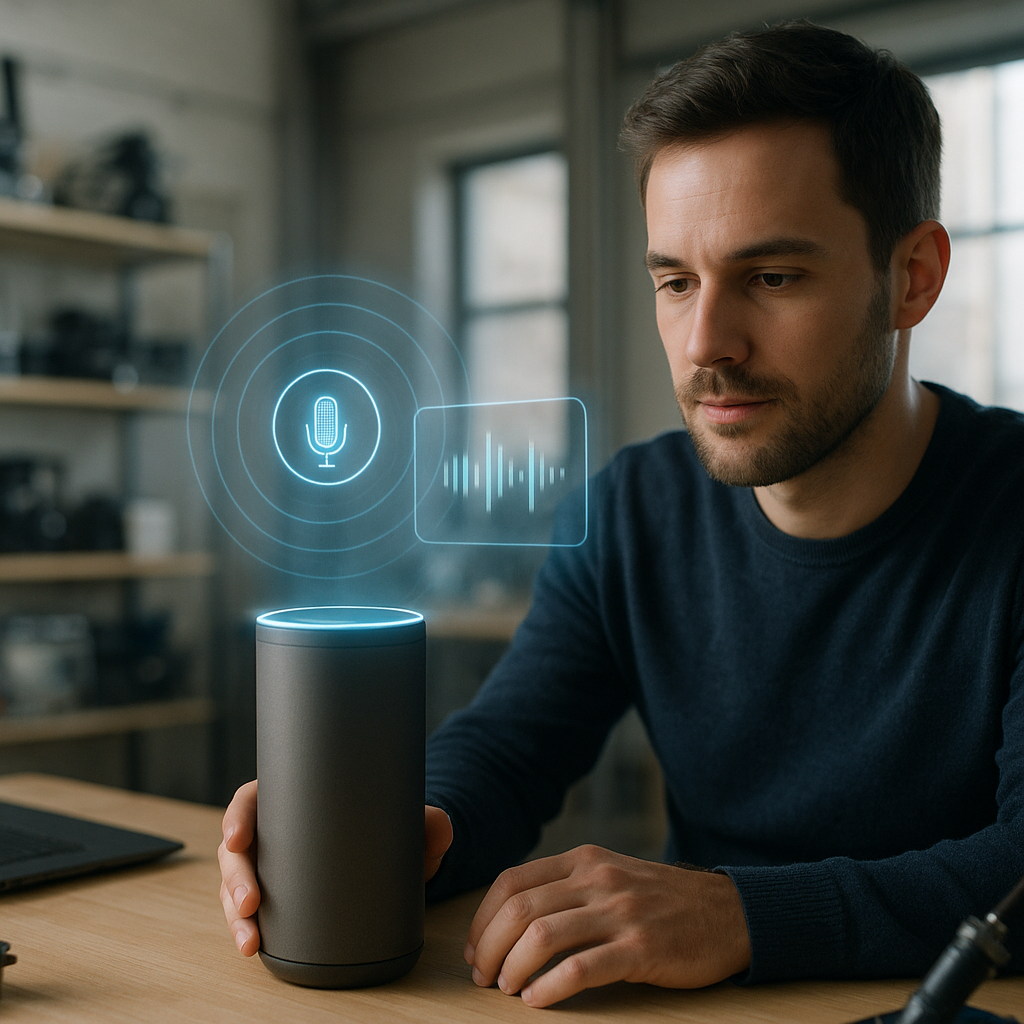
A smartphone is the biggest competitor because it is already in most people’s pockets. That does not mean phones are best at every task. It does mean a new gadget has to justify its separate cost and upkeep. The table compares typical trade-offs, not every model or every feature; specific products differ, and software changes over time.
| Consideration | Dedicated AI gadget | AI features on a smartphone |
|---|
| Main purpose | Often designed around one new interaction or a narrow task | Adds AI to a device already used for many jobs |
| Convenience | Can be hands-free or always available, but must be carried and charged | Usually already nearby; may require unlocking, opening an app, or using voice control |
| Interface | May offer physical controls or a simplified screen | Familiar touchscreen, keyboard, camera, and accessibility features |
| Performance | Depends on device hardware, network access, and the company’s service | Depends on phone specifications, apps, operating system, and network access |
| Battery impact | Adds a separate battery to maintain | AI may use more phone power, but there is no second device to charge |
| Privacy | Depends on microphones, sensors, cloud processing, and retention policies | Depends on the manufacturer, operating system, apps, and settings |
| Cost | Separate purchase, and sometimes a subscription | May be included in an existing phone or app, though some features require payment |
| Best fit | A frequent task made distinctly easier by dedicated hardware | General assistance, occasional AI features, and tasks already handled by apps |
The phone wins on convenience when it can perform the task well enough. A standalone product has a stronger case when its physical design removes friction: a dedicated recording control, a wearable form that makes hands-free use genuinely easier, or an accessible interface tailored to a specific need. “It has AI” is not a meaningful advantage on its own.
The competition is also not simply between gadget brands. The software and services behind them matter. A device may rely on external models, cloud infrastructure, or third-party apps, which can affect cost, speed, and long-term support. Product buyers should ask who is responsible when the service changes or fails. The packaging rarely answers that question.
For additional context on the shortcomings found in early AI hardware, see WIRED’s Humane AI Pin review. Reviews capture a product at a particular time, so check publication dates and later software updates. Still, hands-on reporting is more useful than a list of advertised capabilities.
Common Mistakes to Avoid
The first mistake is buying the promise instead of the product. A demo is selected to show a device under favorable conditions, often with a narrow request and a clean network connection. Daily use is messier. People speak quickly, ask ambiguous questions, move between rooms, and expect a gadget to recover gracefully when it gets something wrong.
Another mistake is treating a language model as a complete assistant. Generating a plausible answer is not the same as taking a dependable action. A useful assistant must understand intent, confirm consequential choices, connect securely to the right services, and report failures plainly. If a device can send a message, change a setting, or create a purchase, a confident but mistaken action is not charming. It is a product defect.
Buyers also overlook the value of ordinary controls. Touchscreens, switches, keyboards, and menus can be faster and more private than speech. Voice is a poor interface in a crowded train, a quiet office, or a room where a person does not want to announce a private question. The best product uses the right interaction for the task instead of forcing every problem through a microphone.
Do not assume a smaller device is automatically simpler. A compact gadget may depend on a phone app for setup, a subscription for useful functions, and cloud access for basic answers. Check the full chain. If one link fails, will the device still do anything useful?
A related trap is ignoring service longevity. Software can change after purchase, and a cloud-dependent feature may be altered or discontinued. Before buying, look for clear information on support, data deletion, warranties, and what happens if the company closes. This is especially important for a product that stores personal notes, recordings, or photographs.
Finally, do not confuse a long feature list with value. More features can mean more menus, more data collection, and more ways for the product to break. I would rather own a modest device that does one important task consistently than a clever gadget whose main strength is generating conversation about itself. Skepticism is not hostility to innovation; it is respect for the buyer’s money and attention.
Frequently Asked Questions
Why did the first wave of AI gadgets struggle?
The early products faced a difficult standard: they had to offer something better than the smartphone people already carried. Reviews and user experiences raised concerns about practical usefulness, responsiveness, battery life, reliability, and the gap between launch promises and routine performance. Those issues are not identical across devices, and software updates can change results. The broader problem is that an AI feature does not automatically make a new piece of hardware necessary.
Are AI gadgets worth buying now?
Sometimes, but only for a defined need. A dedicated device may suit someone who repeatedly needs a hands-free tool, accessible controls, or a specialized workflow. Before buying, test the task on existing devices, check whether the gadget requires a subscription, and read recent hands-on reviews. If its main benefit is novelty, wait. Prices may fall, software may improve, or the product may simply prove unnecessary.
Can AI gadgets work without an internet connection?
Some functions may run locally, but capabilities differ by product. Ask which features work offline, whether the device can process speech or images on-device, and what happens when Wi-Fi or mobile service drops. Local processing may improve responsiveness and reduce data transfers, but it can also be limited by the device’s processor, memory, and battery. Do not assume “AI-powered” means offline-capable.
What should I check before buying an AI device?
Check its main task, real-world accuracy, response time, battery life, subscription costs, privacy policy, update support, and return terms. Confirm what data is sent to the cloud and how to delete it. Then compare the same task with your phone or computer. A good purchase should solve a recurring problem with less friction, not add another charger and account without a clear payoff.
Final Thought
The next useful AI gadget may not look like a science-fiction prop. It may be a dependable device with one excellent function, clear controls, and a sensible way to handle mistakes. It may also be a smartphone or accessory improved by software rather than a brand-new category of hardware. That outcome would be less dramatic than promises of a personal machine that understands everything. It would also be more credible.
Tony Fadell’s reported comments invite a broader question: what does a product owe the person who buys it? At minimum, it should do what it says, protect the information it collects, and keep working without demanding constant patience. Makers should treat reliability, repairability, accessibility, and privacy as parts of the design—not chores to address after the launch. Buyers, in turn, can reward products that solve real problems instead of those that merely attract attention.
Technology is most worthwhile when it helps people spend their time and abilities well. That can mean a tool that makes a difficult task easier, supports someone with a disability, or gives a worker a little more control over a demanding day. It does not mean every new capability deserves a new device. Human ingenuity is valuable; so is the judgment to use it in service of people and the common good.
So, before buying the next AI pin, pendant, or pocket assistant, ask one plain question: what will it help me do tomorrow that I cannot already do well? If the answer is specific, repeated, and backed by dependable performance, the gadget may have earned its place. If the answer is mostly a promise, keep your money in your pocket. That remains a remarkably capable technology.